Get Suggested Evolutions for Your FC 27 Squad
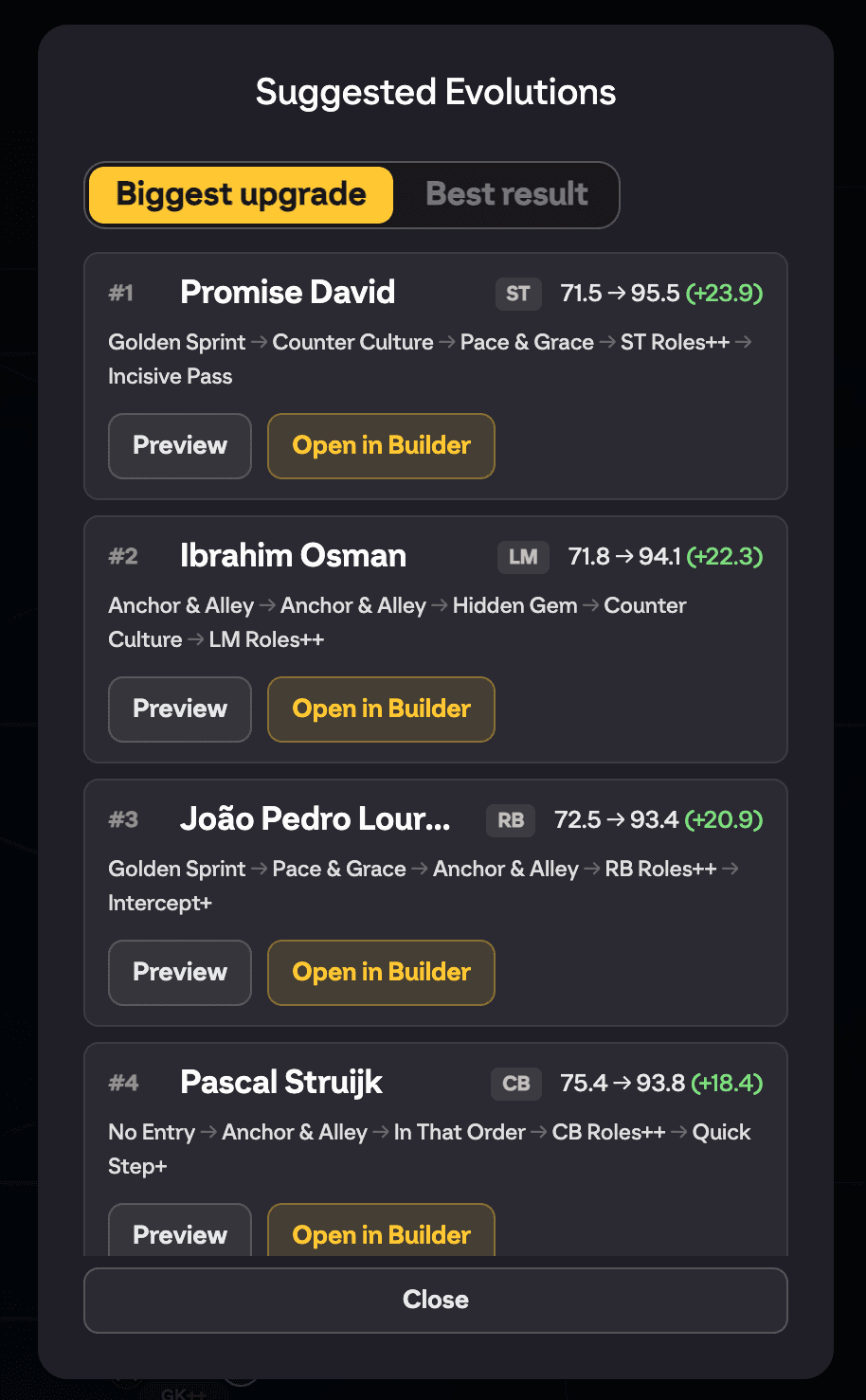
Get Suggested Evolutions scans every player in an EA FC 27 squad and works out the best evolution path for each of them, then shows you the top results ranked by how much better the evolved card would be. It is the fastest way to answer "who in this squad is worth evolving?" without checking players one by one.
Where to find it
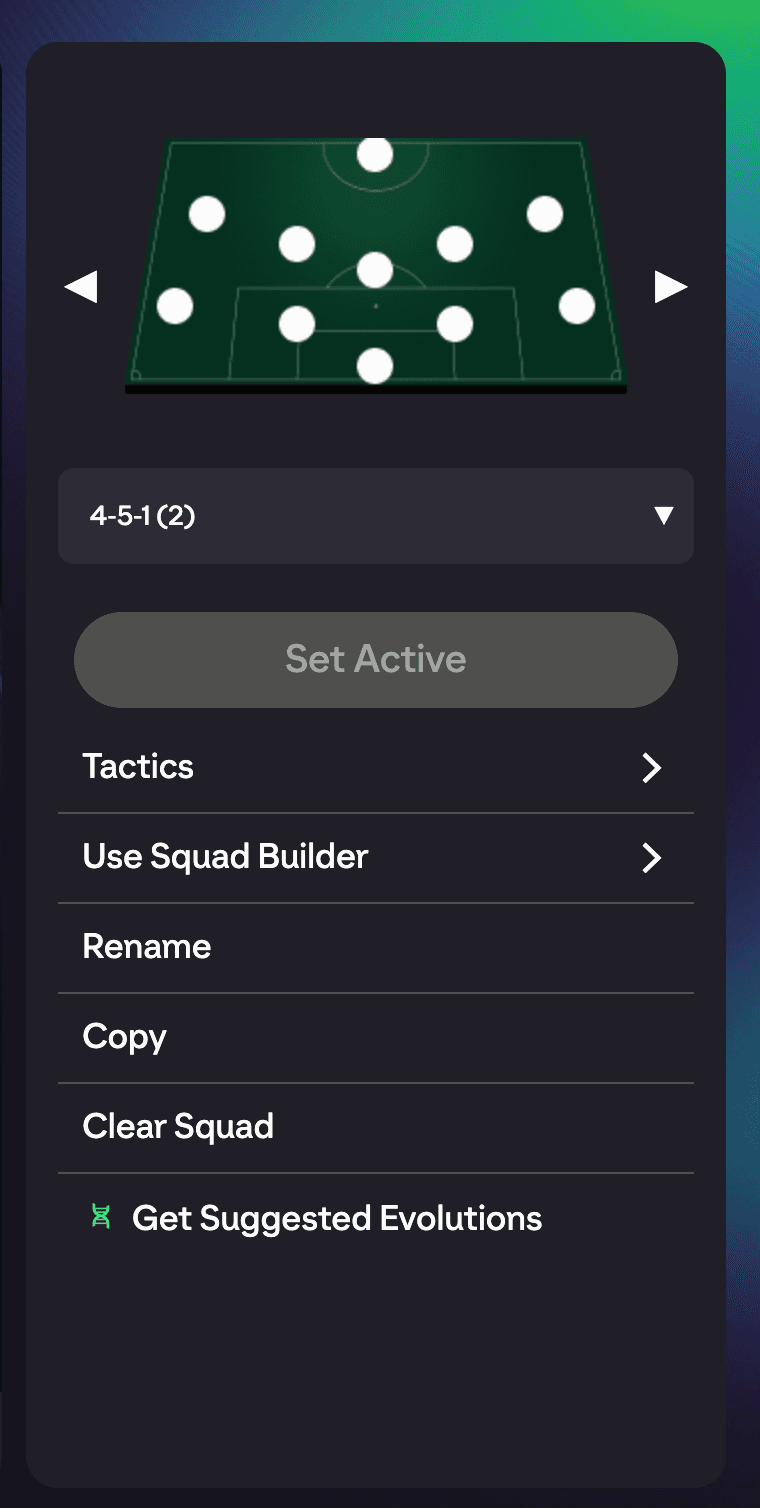
Open any squad, then open the squad actions menu (the same list that holds Squad Management and the other squad options). FUTGenie adds a Get Suggested Evolutions entry with a green evolution icon. Tapping it opens the Suggested Evolutions panel.
Setting up the scan
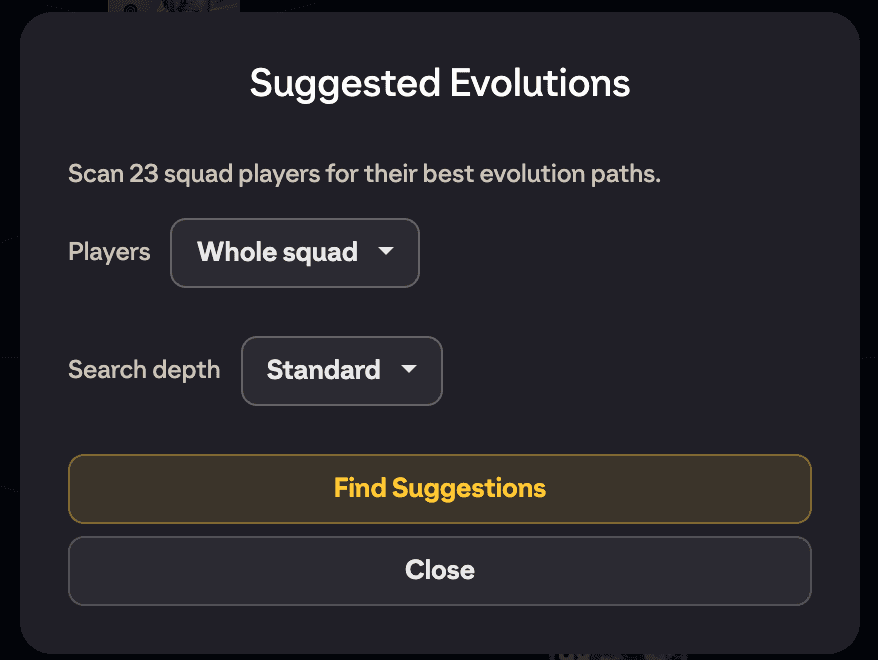
The chooser tells you how many squad players it is about to scan, and gives you two settings:
- Players: Whole squad scans everyone including the bench, Starting XI scans only the eleven on the pitch.
- Search depth: Quick, Standard, Deep or Max. Deeper searches explore longer and more complex chains, so they find better paths but take longer to run.
Press Find Suggestions to start.
While it scans
FUTGenie works through the squad player by player, showing progress as it goes (which player it is on, and how many are left). You can press Cancel at any point to stop the scan.
The results
When the scan finishes you get the top results, ranked by Biggest upgrade (the largest jump over the current card) or Best result (the strongest finished card). Each row includes an After This Path preview of the fully evolved player, so you can judge the outcome at a glance, plus an Open in Builder button.
Open in Builder hands the player and the suggested path over to the Evo Builder, where you can inspect every step, tweak the chain, save it as a path, or apply it instantly when the whole chain is free.
Going the other way
This scan starts from a squad and finds the best evolution for each player. If you have one specific evolution in mind and want to find the best player in your entire club for it, use the club scan in the Evo Builder instead: open the builder with no player selected and tap the evolution card.
Limits and gotchas
- You need an open squad first, and the squad needs players in it to scan.
- Deeper search depths take noticeably longer on a full squad; Quick is fine for a first pass.
- If nothing comes back, FUTGenie found no worthwhile evolution paths for that squad, which happens when the current evolution pool does not suit those players.