Genie Squad Builder: Auto Build FC 27 Squads
The Genie Squad Builder builds complete EA FC 27 squads from your club for whatever objective you set: chemistry, team rating, rarities, nations, leagues, or any mix of them. You describe what the squad must look like, and FUTGenie solves it for you.
If you used the old Gauntlet Genie, this is its replacement. Gauntlet Genie has been removed from the extension, and gauntlet squads are now built with the Genie Squad Builder's Gauntlet mode, covered below.
Where to find it
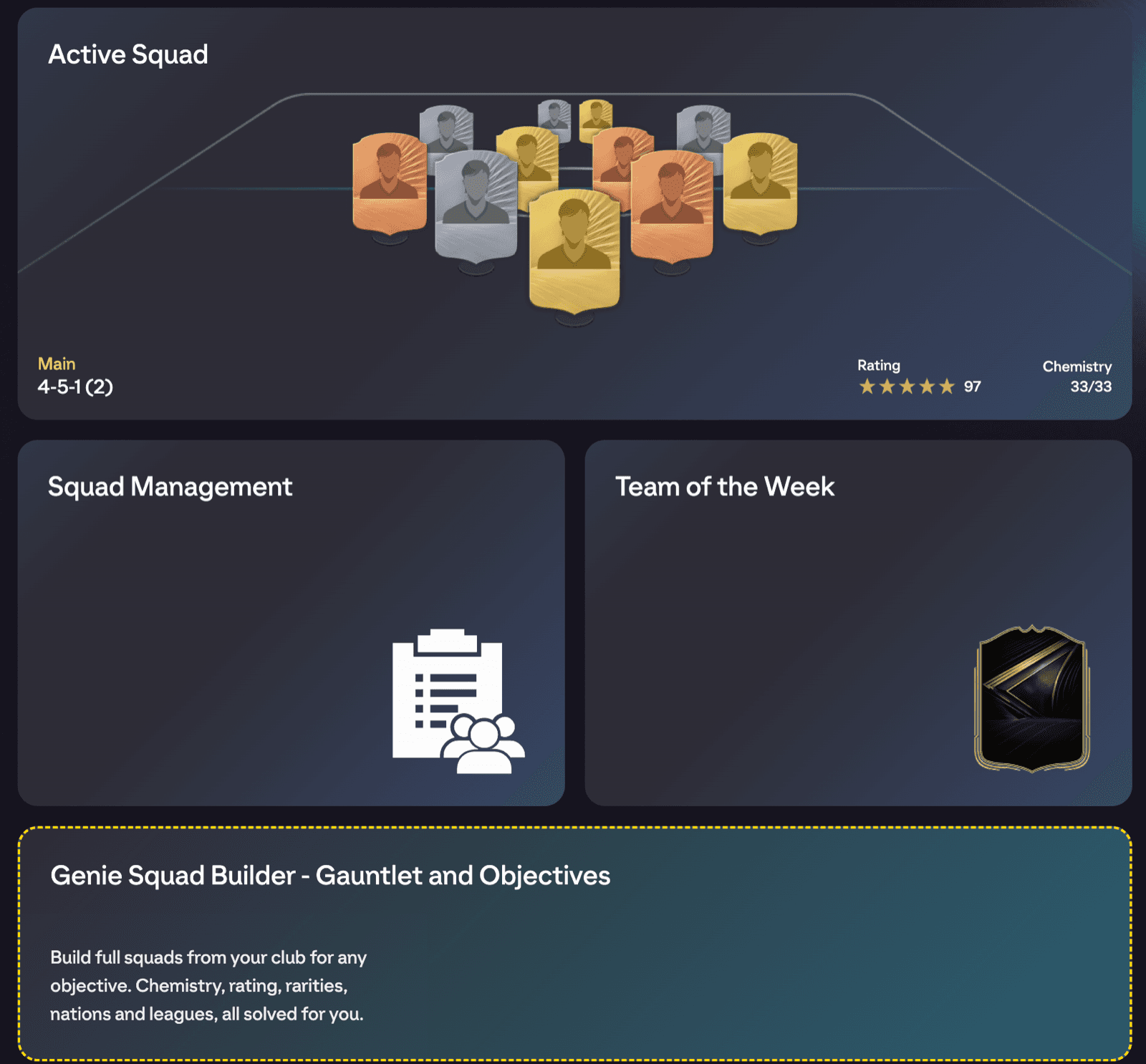
Open EA's Squads hub (the screen with Active Squad, Squad Management and the other squad tiles). FUTGenie adds a wide Genie Squad Builder tile there. That tile is the only entry point. On desktop it opens a two-pane view with your requirement sets on the left and details on the right; on phone it pushes a single list.
Requirement sets
Everything starts from a requirement set: a named list of rules the squad must satisfy. Press + New Requirement Set to open the Choose Requirements popup, which gives you two ways in:
- Start from scratch: type a Set name and press Create to begin with an empty set.
- Enter a share code: paste a code someone shared with you and press Import. If the code is wrong or the set no longer exists you'll see Couldn't find a requirement set for that code.
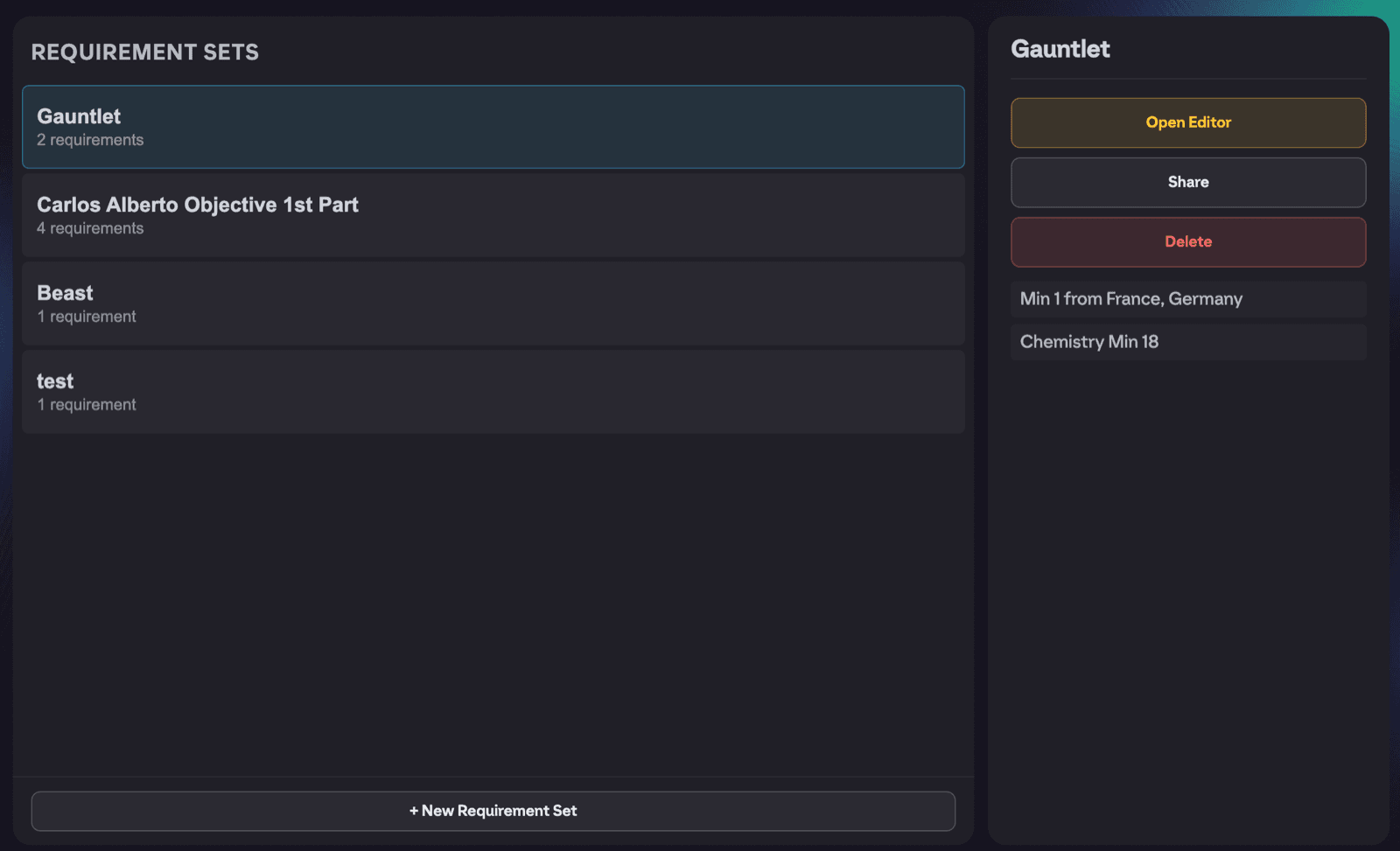
Your saved sets appear in the Requirement Sets list, each showing how many requirements it contains. Selecting one shows its details, with three actions:
- Open Editor takes you into the requirement editor.
- Share copies a share code to your clipboard (you'll see Share code copied). Send that code to anyone and they can import your set.
- Delete removes the set. This only removes your local copy; any copies you've shared by code stay accessible to the people who imported them.
Adding requirements
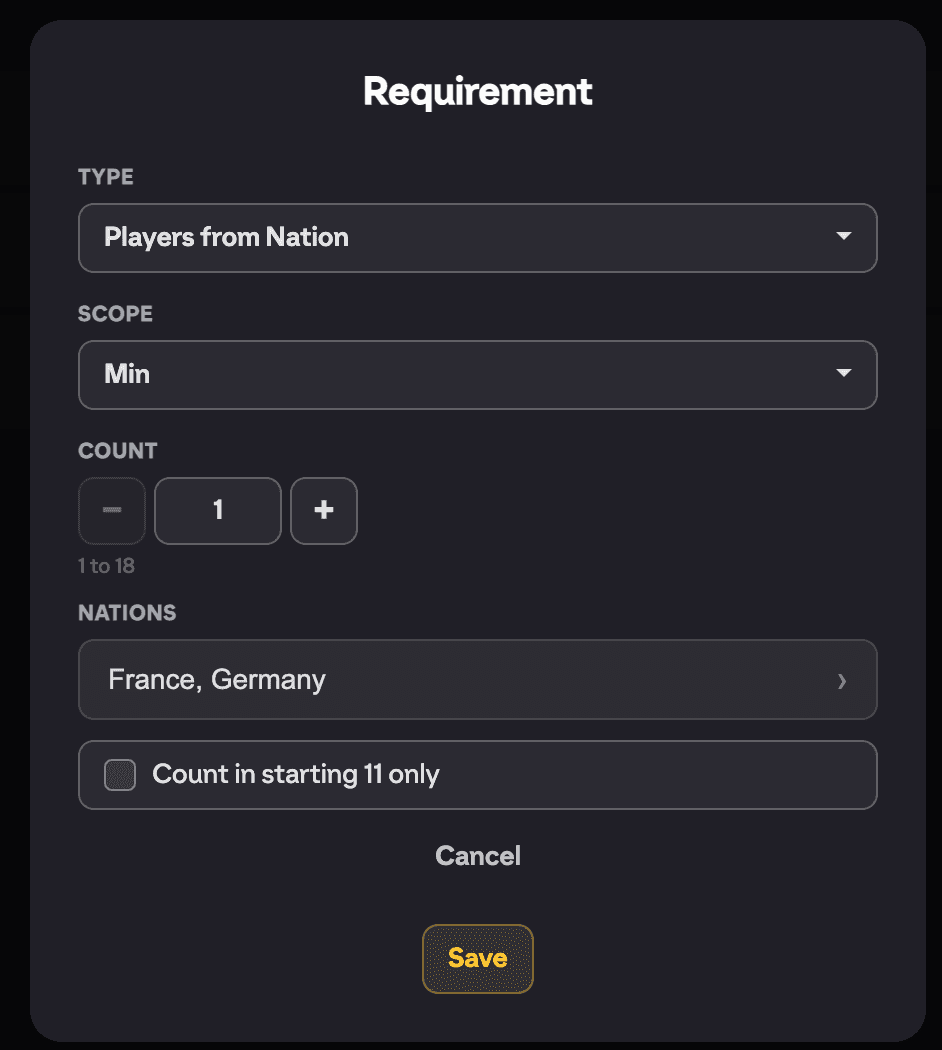
Inside the editor, press + Add Requirement. Each requirement has a Type, and there are 11 to choose from:
- Players from Nation, Players from League, Players from Club: count players from specific nations, leagues or clubs that you pick.
- Players of Rarity: count players of specific card rarities.
- Players from Same Nation, Players from Same League, Players from Same Club: count players sharing any one nation, league or club, without you naming which.
- Players at Rating or Above, Players at Rating or Below: count players meeting a rating threshold.
- Team Rating: the squad's overall rating.
- Squad Chemistry: the squad's total chemistry.
Each requirement also has a Scope: Min, Max or Exactly. So "Min 3 Players from Same League" means at least three, "Max 2 Players of Rarity" means no more than two, and so on.
Depending on the type you'll enter a Count (1 to 18), a Rating (1 to 99) or a Chemistry value (0 to 33). Types that target specific nations, leagues, clubs or rarities open a value picker with a search box; tick the values you want and press Done.
Finally, Count in starting 11 only restricts the requirement to the starting eleven, ignoring the bench.
Start Building
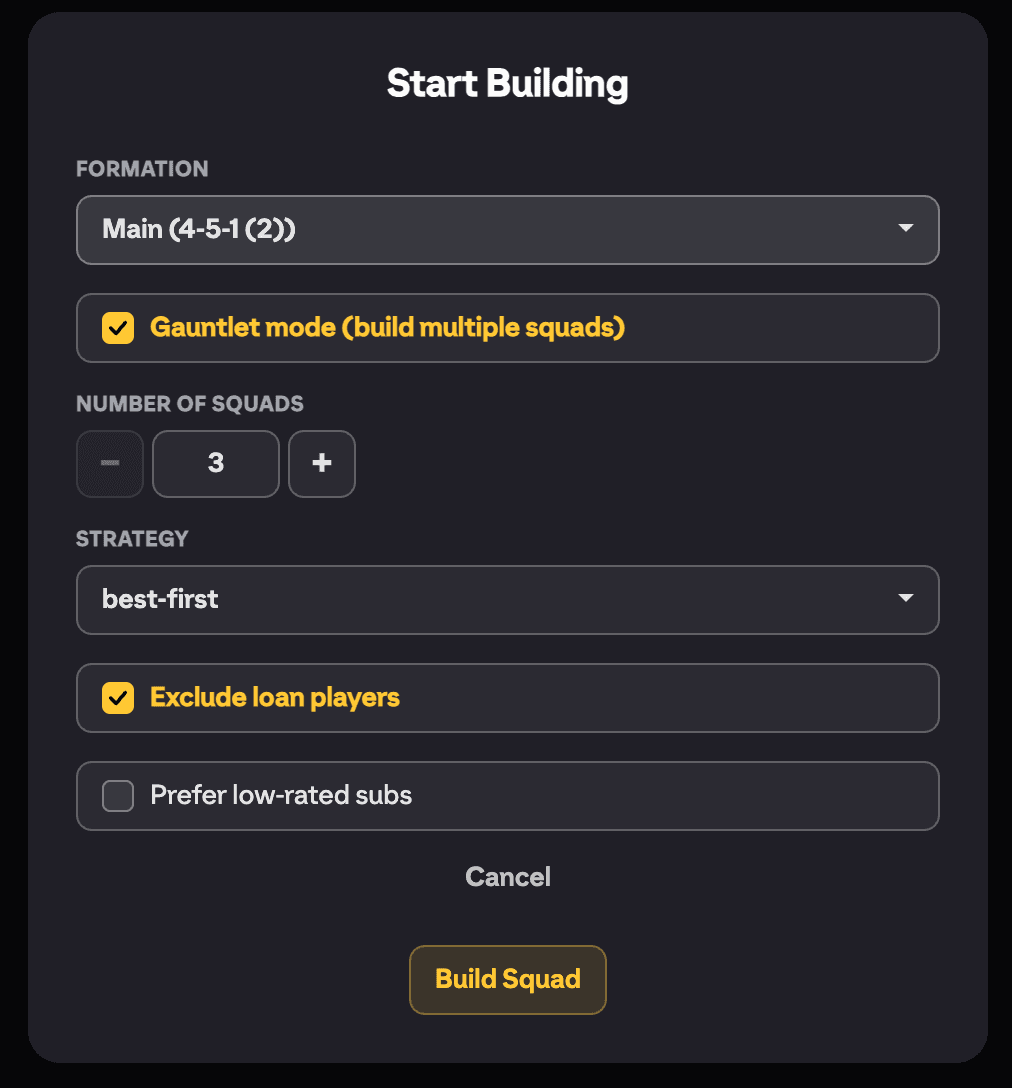
With your requirements in place, press Start Building. The popup gives you the final options for this build:
- Formation: pick a Base formation (4-3-3 by default), or choose one of your saved squads under Copy from my squad (with tactics) to reuse its formation and tactics.
- Gauntlet mode (build multiple squads): tick this to build several squads in one go, for gauntlet-style objectives. It reveals two extra controls:
- Number of squads: how many to build.
- Strategy: best-first (stack your best players into the first squad, default) or balanced (spread quality evenly across all squads).
- Exclude loan players: keep loan cards out of the squads.
- Prefer low-rated subs: fill the bench with your cheapest, lowest-rated eligible players.
Press Build Squad and FUTGenie gets to work.
The Squad Preview
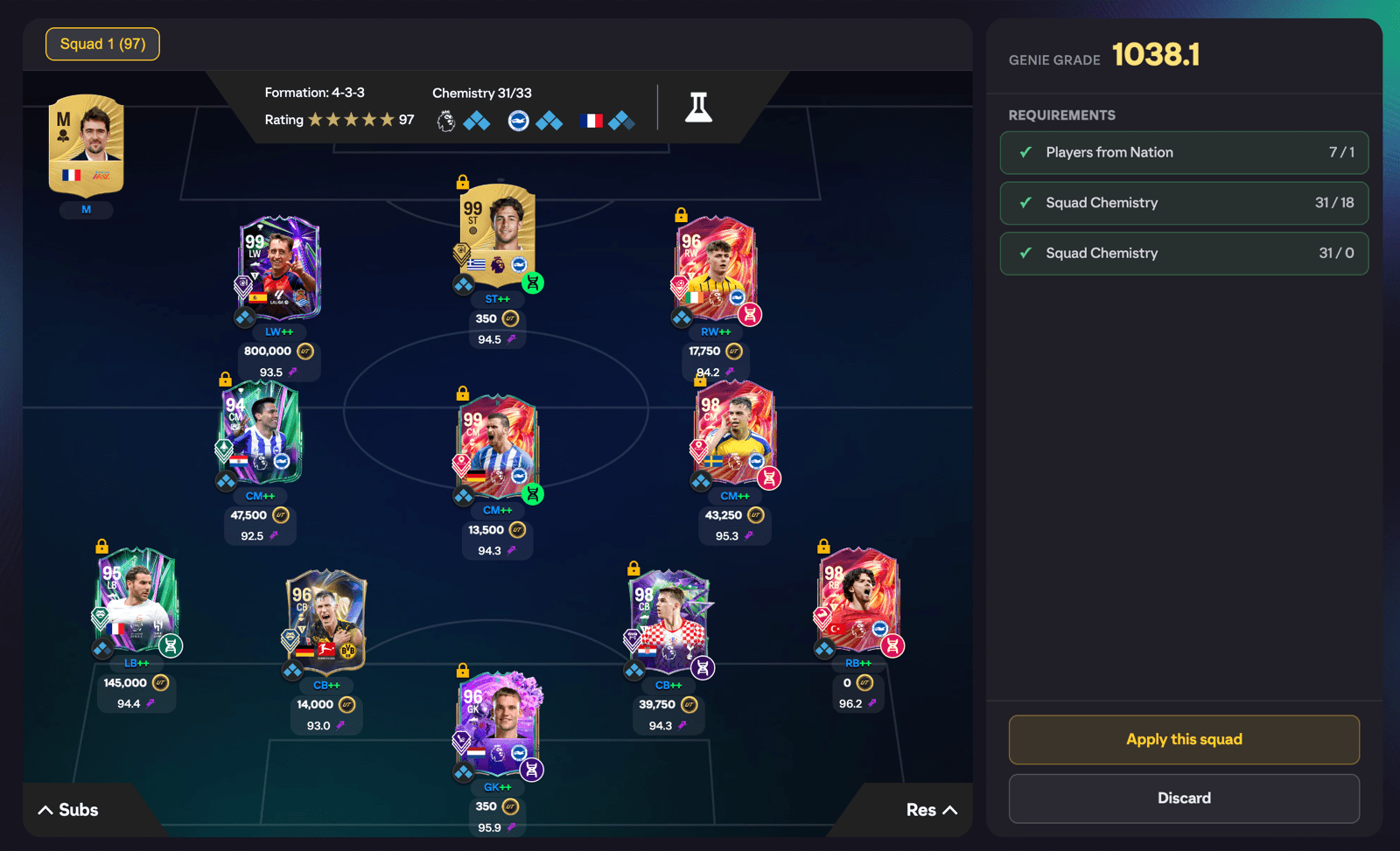
When the build finishes you get a Squad Preview:
- A Requirements checklist showing that every rule in your set is satisfied.
- The full squad, including Substitutes.
- The squad's Genie Grade, FUTGenie's position-adjusted quality score.
Press Apply this squad to save it into your club as a real squad, or Discard to throw it away. In Gauntlet mode you review and apply each squad in turn.
Gotchas
- If your club can't satisfy the requirements you'll see Couldn't build a squad that meets all requirements. Try relaxing them or check you have enough matching players. Loosen a Scope (Min to Max, or lower a count), drop a requirement, or widen a rating window and try again.
- Very tight requirement sets can time out. If you see The squad builder timed out. Please try again., simplify the set or just retry.
- The builder only uses players you own. There is no concept-player buying here.